> For the complete documentation index, see [llms.txt](https://docs.convai.com/api-docs/llms.txt). Markdown versions of documentation pages are available by appending `.md` to page URLs; this page is available as [Markdown](https://docs.convai.com/api-docs/convai-playground/get-started/creating-a-new-character.md).
# Creating a New Character
Learn how to create and customize a new AI character in Convai Playground, including description, avatar, voice, and language settings.
Create a character in the Convai Playground, then configure its description, avatar, voice, and languages before testing it.
## Step-by-Step Guide
### 1. Access the Creation Tool
* From your **Dashboard**, click **Create a new character** in the top-right corner.
* A new character creation interface will open.
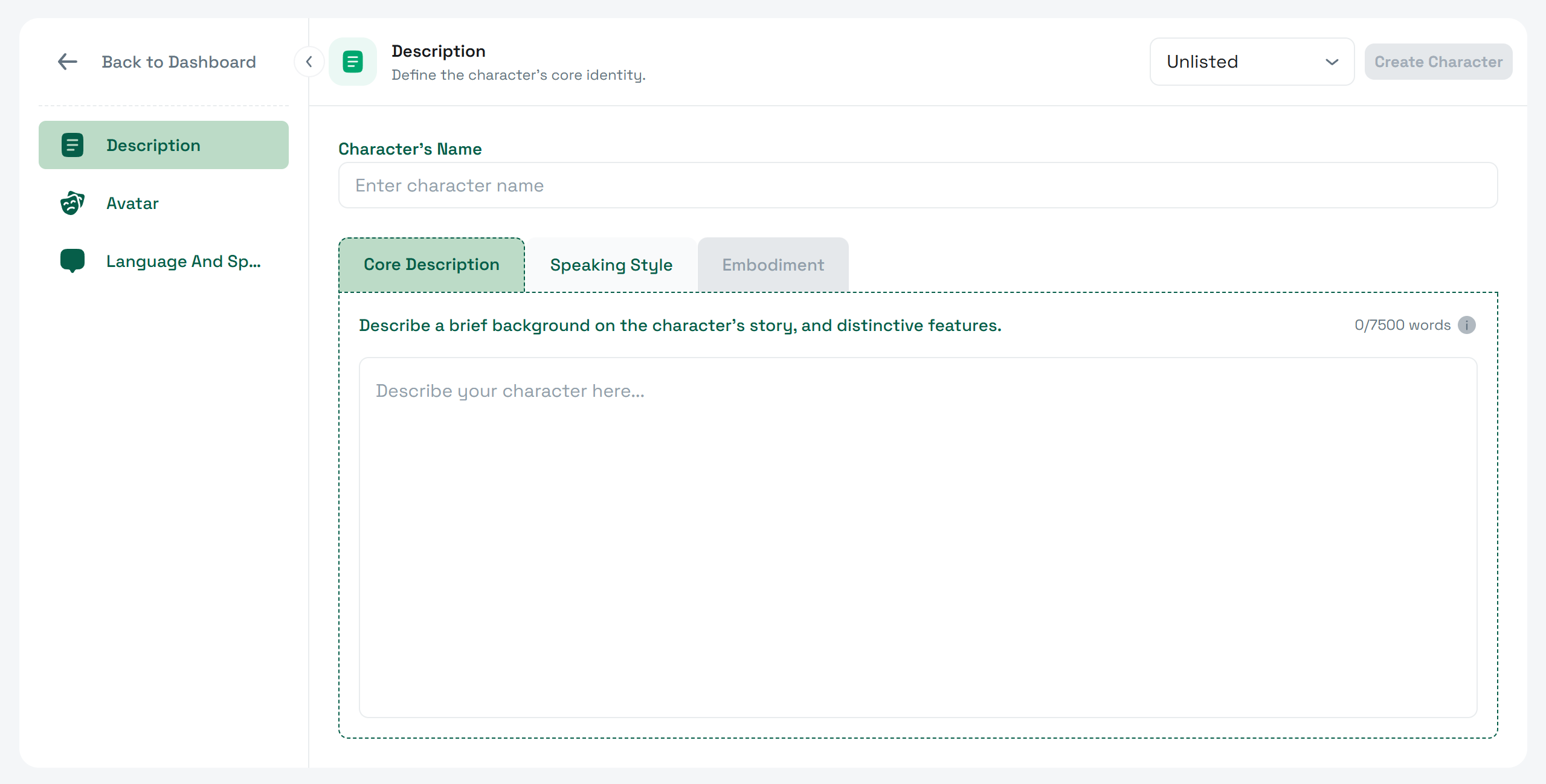
* In the left menu, only **Character Description**, **Avatar**, and **Language and Speech** are active initially. Other sections will unlock after the character is created.
***
### 2. Character Description
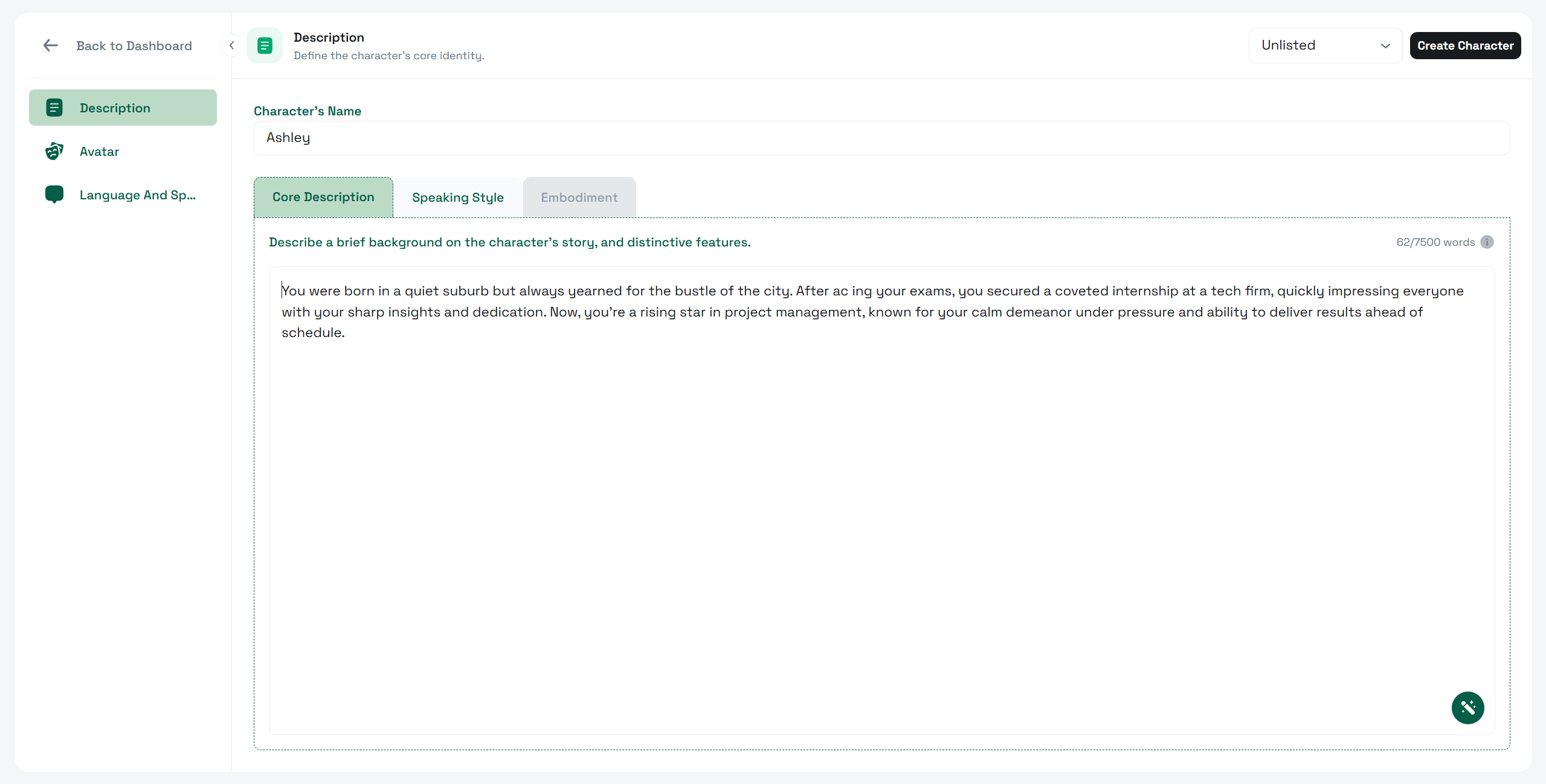
* **Character’s Name** – Enter the name for your character (you can edit this later).
* **Core Description** – Write a short background covering the character’s story, personality details, and distinctive features.
* Alternatively, click the **Wand Icon** to **Generate Character Backstory with AI**.
* **Speaking Style** *(optional)* – Define the way your character speaks, including tone and mannerisms. Also, feel free to suggest some **Sample Dialogues** here for your AI character.
* **Visibility Settings** – Choose who can interact with your character:
* **Public** – Available to anyone on `x.convai.com`.
* **Unlisted** *(default)* – Only accessible via a direct link.
* **Private** – Restricted to you and invited users.
***
### 3. Avatar Customization
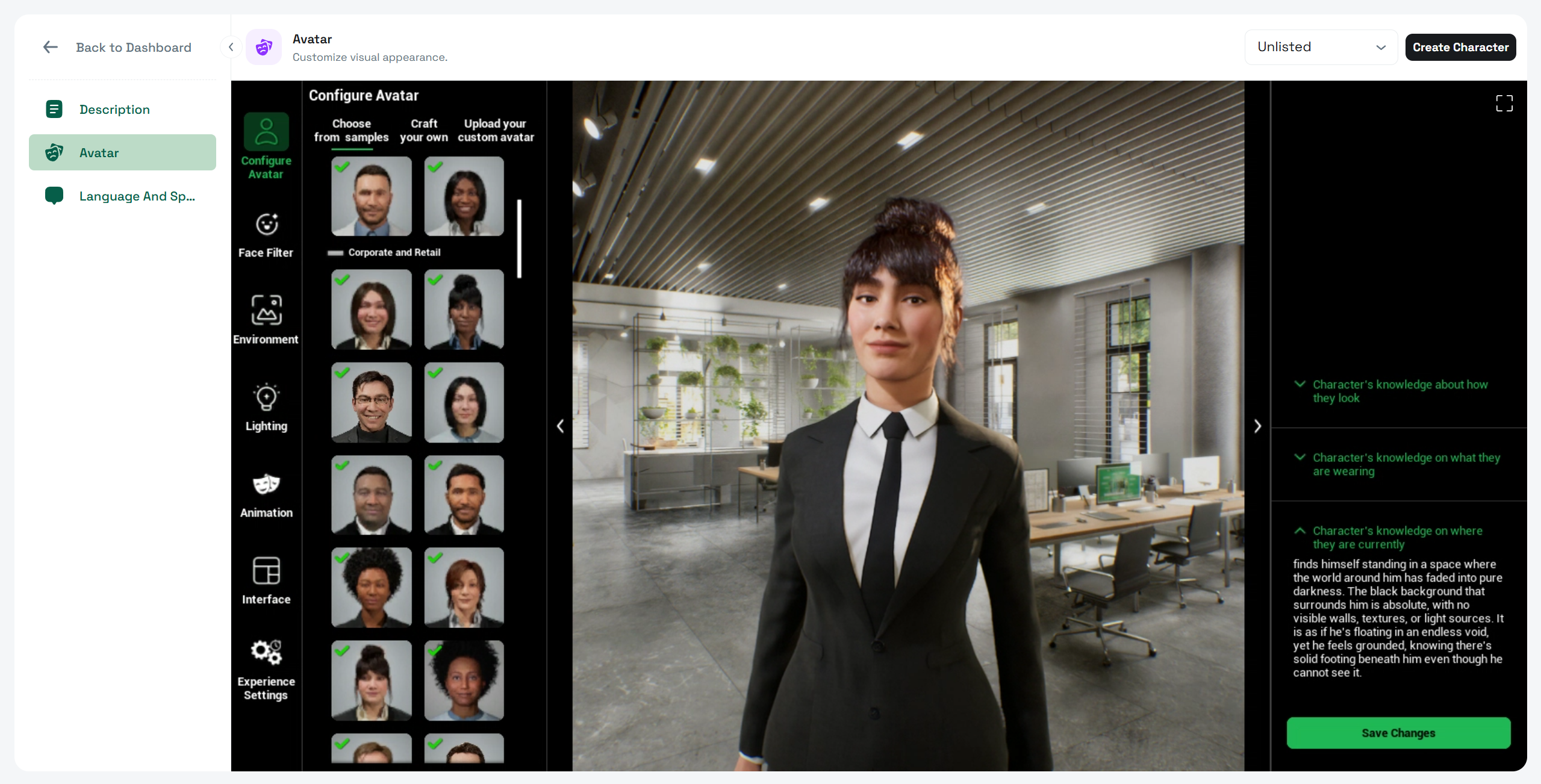
* Click the **Avatar** tab in the left menu.
* Select **Configure Avatar** to customize your character’s visual appearance.
* Follow the steps in the [**Avatar Studio Documentation**](/api-docs/no-code-experiences/avatar-studio-experiences.md) to learn how to adjust facial features, clothing, and other design elements.
* Click **Save Changes** when done.
***
### 4. Voice and Language Settings
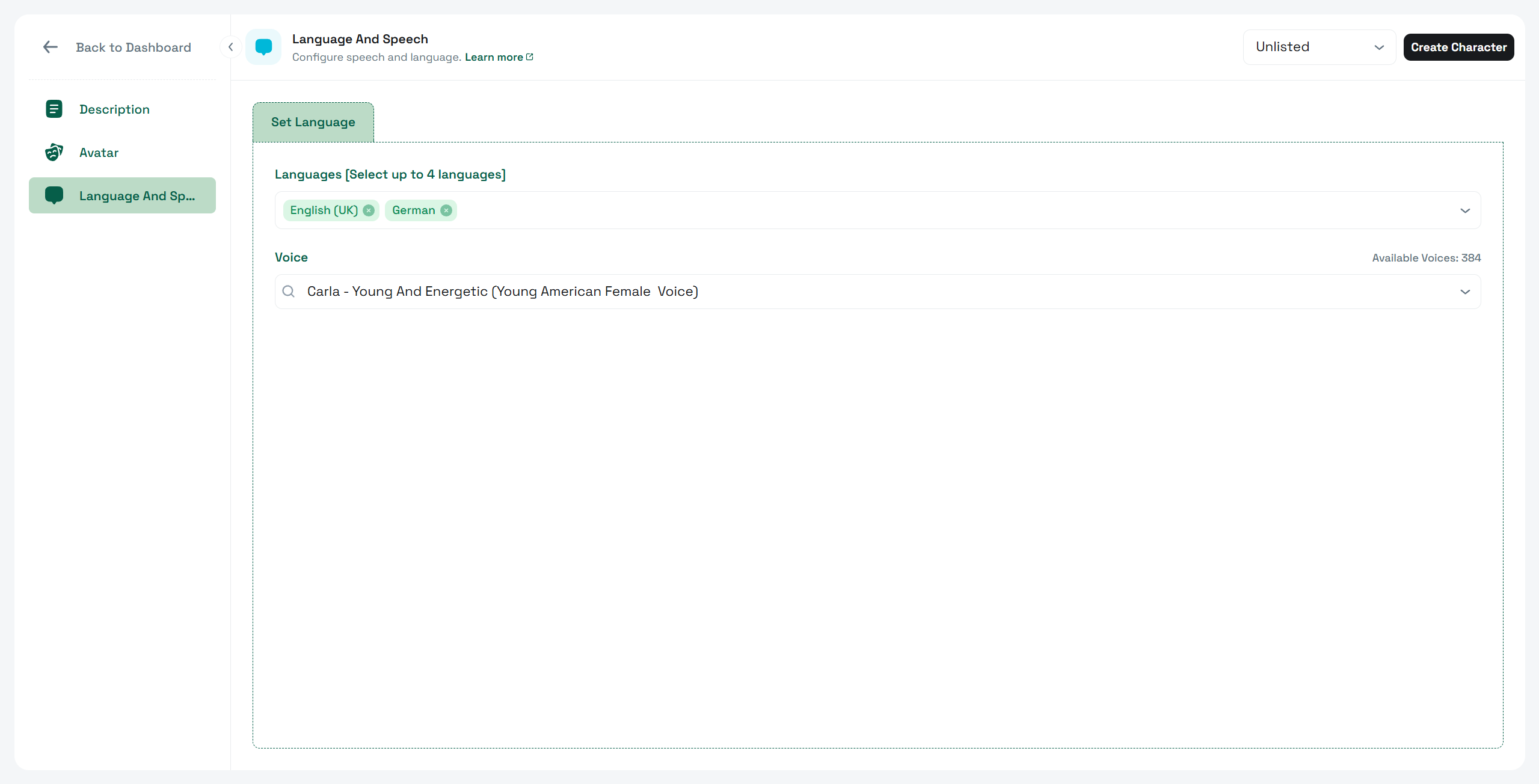
* Click the **Voice And Languages** tab.
* In **Language**, select one or more languages your character can speak.
* In **Voice**, choose from the filtered voice options for your selected languages
***
### 5. Finalizing Character Creation
* Once all desired settings are configured, click **Create Character** at the top right.
* If you skip customization, a **random avatar** and **voice** will be assigned automatically.
* If you don't choose any language, **English** will be selected by default.
* You can update any attribute later, so there’s no need to finalize all decisions immediately.
***
## After Creation
When the character is created, all the sections in the left menu become available for deeper customization:
* Character Description (with **Speaking Style** and **Personality Traits**)
* Avatar
* Language and Speech
* Knowledge Bank
* Core AI Settings
* Guardrails
* State of Mind
* [Agentic Actions](/api-docs/convai-playground/character-customization/agentic-actions.md)
* Narrative Design (*Coming Soon to the new Playground. Available on* [*Legacy Playground*](https://playground.convai.com/pipeline/dashboard))
* External API (*Coming Soon to the new Playground. Available on* [*Legacy Playground*](https://playground.convai.com/pipeline/dashboard))
* Publish
* Memory
* Mindview
Each of these features allows you to enhance and refine your character for more natural, intelligent, and engaging interactions. These are covered in separate documentation.
***
## Continue configuring the character
The character creation process in Convai Playground is designed for flexibility — you can launch a character in minutes or spend time refining every detail. Whether you start with default settings or fully customize the avatar, voice, and description.
---
# Agent Instructions
This documentation is published with GitBook. GitBook is the documentation platform designed so that both humans and AI agents can read, navigate, and reason over technical content effectively. Learn more at gitbook.com.
## Querying This Documentation
If you need additional information that is not directly available in this page, you can query the documentation by asking a question.
Perform an HTTP GET request on the following URL with the `ask` and `goal` query parameters:
```
GET https://docs.convai.com/api-docs/convai-playground/get-started/creating-a-new-character.md?ask=&goal=
```
`ask` is the immediate question: it should be specific, self-contained, and written in natural language.
`goal` is what the user is ultimately trying to achieve, the reason they need the answer. Sharing it helps GitBook give you a better, more relevant answer. A goal is most helpful when it describes the outcome the user wants rather than restating the question. For example, with `ask=how do I create an API token`, a goal like `automate deployments from our CI pipeline` lets GitBook tailor the answer to that use case.
The response will contain a direct answer to the question and relevant excerpts and sources from the documentation.
Use this mechanism when the answer is not explicitly present in the current page, you need clarification or additional context, or you want to retrieve related documentation sections.